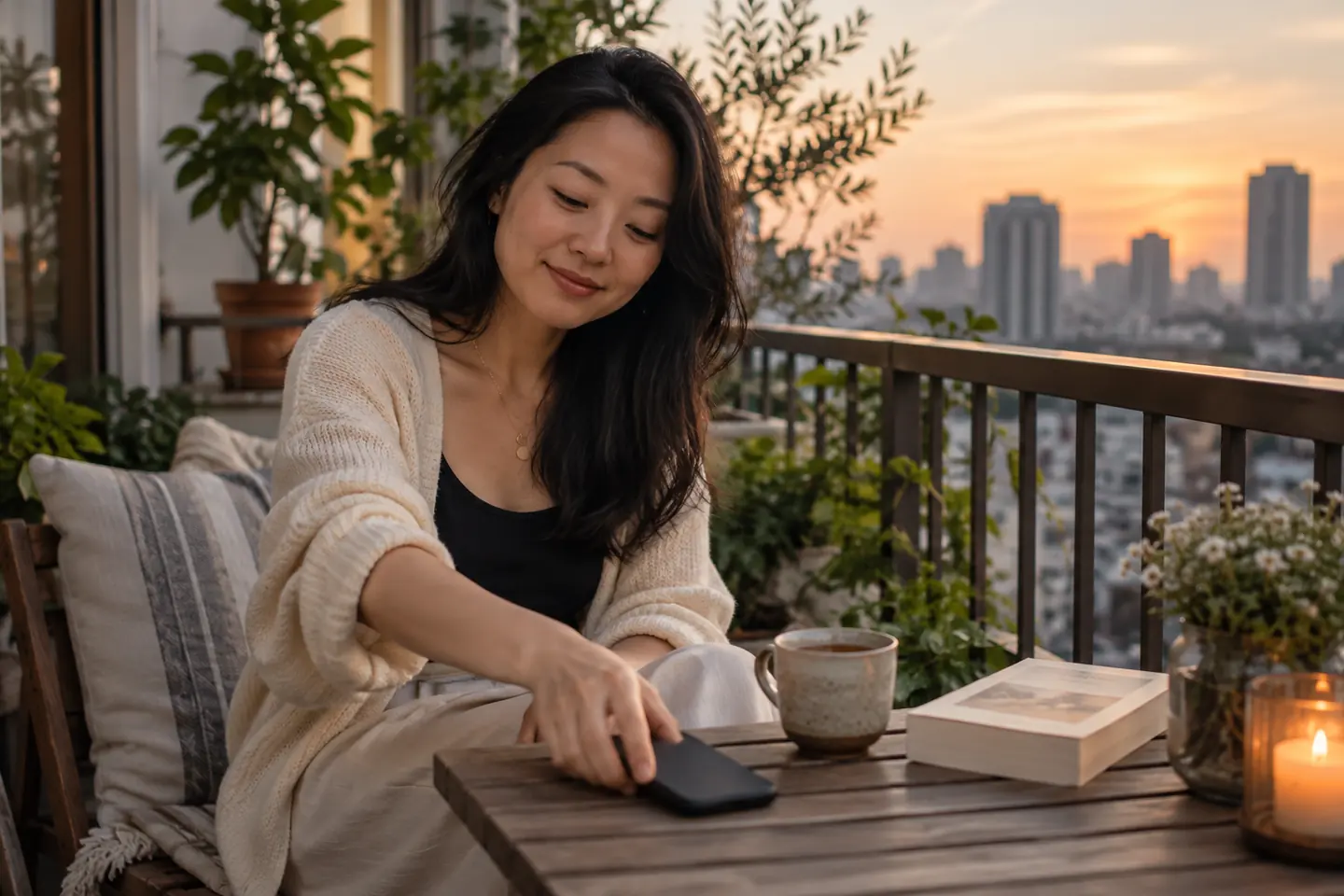
The best dating notification setup lets you notice messages when you choose, keeps private conversations away from casual viewers, and preserves essential contact. Start with lock-screen previews, then quiet hours, alert categories, connected screens, and an honest explanation of your reply routine. These five choices work together; switching off everything can be as inconvenient as letting every match interrupt your day.
This 2026 guide is an editorial checklist for adults dating in Vietnam, not a ranking of phones or evidence that a particular setting improves relationship success. A message arriving during a Hanoi office meeting, a family meal in Da Nang, or a crowded Ho Chi Minh City commute can create different practical problems. Choose settings for your actual circumstances rather than copying another person’s screen.
How we chose these five settings
We prioritized privacy, control over interruptions, reliable arrangements for an upcoming meeting, and ease of changing your mind. Phone manufacturers and app developers control the menus, which can differ by software version and device. These recommendations do not assume Avo or every dating service offers identical notification controls. Use the options actually available on your phone, and keep your own account credentials private.
1. Hide message previews where other people can read them
Review what appears when your phone is locked. A sender’s name or a few lines of conversation can disclose more than you intended when the device is beside a colleague, a parent, or the person you are meeting. You can choose a discreet display without treating dating as something shameful. Privacy is a reasonable preference even when you are happily interested in someone.
Apple’s notification guide describes preview controls. Google’s Android guidance explains notification management and notes that device options vary. Check the relevant instructions, change the preview choice, then test with an ordinary message from a trusted friend. Look at the locked screen yourself instead of assuming a menu label guarantees the result.
If family members sometimes use your phone for a call or a photo, unlock only what you intend to share. Hiding previews does not give someone permission to browse the conversation after you unlock the device.
2. Set quiet periods around your real daily routine
Choose when dating alerts are useful. Someone who starts work early may want a quiet evening; someone working hospitality shifts may prefer a quiet morning. Agreeing to date does not mean agreeing to be reachable throughout the night. A predictable routine can also reduce the urge to interpret every delay as a hidden message about interest.
Use your phone’s available quiet or focus controls if they suit you. Check what happens to calls you need for caregiving, work responsibilities, or a transport pickup before relying on a new routine. Do a small test during a calm afternoon rather than discovering the settings are unsuitable while you are trying to find a date outside a busy building.
Explain the habit briefly: “I silence most app alerts after ten and read messages the next day.” You do not owe a screenshot of your settings. Our guide to different texting speeds helps turn this explanation into a practical conversation about availability.
3. Separate useful messages from prompts to keep browsing
Open the dating app’s notification settings and see which choices exist. Some services distinguish conversation alerts from recommendations, promotional messages, or reminders; others provide fewer controls. Keep only the categories that serve your purpose. Avoid promising yourself that every alert represents a personal invitation from someone you know.
For example, you might want to notice a message about Saturday’s meeting while avoiding repeated reminders to open the app during lunch. If categories cannot be separated, choose a planned time to check the app rather than leaving your attention permanently available. The aim is a routine you can sustain without missing information you actually need.
Before a first meeting, confirm the day, venue entrance, and what to do if either person is delayed. A calendar reminder can help, but do not copy intimate conversation into a calendar other people can view. Our shared-calendar privacy guide covers that separate decision. A useful notification should support a plan, not replace confirming it with the other person.
4. Check watches, shared screens, and other connected displays
Your phone may not be the only place messages appear. Review any watch, tablet, computer, or other screen you actually use with the account. Do this especially before presenting a screen at work or showing travel photographs to relatives. Changing one device’s display does not automatically tell you what another device will reveal.
Inspect the available controls on each relevant device and test them. If you share a computer, sign out of personal accounts when you finish and do not let a browser remember access simply because that feels convenient. When lending a phone for directions, ask the person to return it when they have finished rather than inviting them to explore unrelated apps.
These are ordinary personal privacy decisions, not a test of romantic loyalty. The US relationship education organization loveisrespect emphasizes personal control in its digital boundaries resource. Its guidance is not a Vietnam survey. Our recommendation is to discuss device access explicitly instead of inferring consent from a notification that happened to appear.
5. Pair the settings with clear expectations about replies
No notification choice can tell another person when you will answer. A silenced phone does not mean rejection, and a visible alert does not make an immediate response obligatory. Tell a new match what normally works: “I usually check messages after dinner. If we have a meeting arranged, I will check again before leaving.”
Choose one existing channel for changes to a confirmed date and make sure both people understand it. Do not ask someone to move to a personal number just because your app alerts are inconvenient. You can keep communicating through the app while deciding whether to share other contact details later.
During the date, explain a necessary interruption without displaying the conversation. “I need to answer a family message for a minute” is enough. The phone-free date guide offers ways to reduce interruptions while keeping translation, accessibility, and essential contact available. A routine works best when it is voluntary and can change as circumstances change.
A practical ten-minute review before your next date
Imagine a fictional reader who shares a home with family, uses a laptop for work, and has a Saturday afternoon coffee planned. They hide lock-screen text, check what their laptop displays, and silence nonessential prompts during work. They leave necessary family contact available and set a private reminder to confirm the meeting. On Saturday, they open the conversation before leaving and again after arriving safely at the agreed entrance.
That example is a planning suggestion, not a real customer story. Adapt it to your needs. Write down only three decisions: when you check messages, which screen needs more privacy, and how a confirmed date can reach you about changes. Review the setup after a week. If it creates missed arrangements or unnecessary checking, adjust the routine rather than treating the first choice as a permanent rule.
Sources and related reading
Apple and Google documentation and loveisrespect’s digital boundaries page are undated reference pages, checked on 7 November 2026. Menus and supported options may change; consult the linked manufacturer guidance for your device. The five-item selection and examples are Avo Dating Team’s editorial advice.
Continue with different texting speeds, shared calendar privacy, and planning a date with fewer phone interruptions.